


Table of Contents
Zupimages is an online tool that facilitates the management and sharing of your image files. Whether you are a design professional or an occasional user, this tool allows you to transform your images in a few clicks while ensuring optimal accessibility. Discover how to take advantage of this intuitive platform to optimize your visuals.
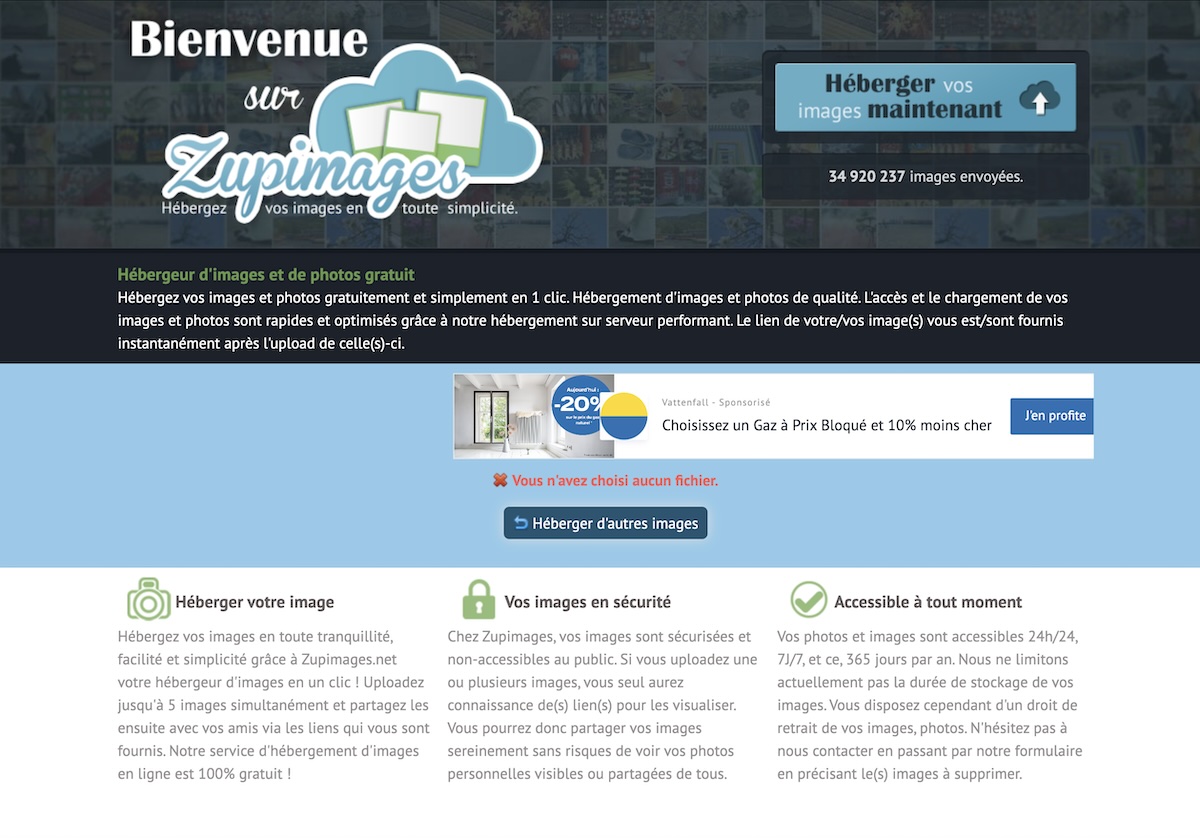
Zupimages is an online image sharing platform that offers a practical solution for users wishing to upload, store, and share images. The tool is aimed at both individuals and professionals thanks to its ease of use and adapted features.
Its main advantage lies in the quick creation of shareable image links. These links can be integrated into forums, blogs, or sent directly by email. Thus, Zupimages simplifies exchanges and the management of image files in a digital environment.
With Zupimages, you don’t need to create an account or install any software. Everything works directly from the browser, making it an accessible solution for everyone.
The platform offers several key features that make it essential for many users:
Using Zupimages is very simple. Here is a step-by-step guide:
The process is immediate and requires no registration, saving you valuable time.
To get the most out of Zupimages, here are some recommendations:
1. Use the right formats: Prefer JPEG formats for photos and PNG for visuals requiring high quality. GIF is ideal for animations.
2. Resize before uploading: If your image is too large, use an editing tool to adjust its dimensions. This will improve loading times on Zupimages.
3. Adopt an optimal resolution: A resolution of 72 dpi is sufficient for web use, while a higher resolution may be necessary for printing.
4. Avoid overly large files: Although Zupimages accepts large files, lighter images are easier to share and load.
In a world where options for sharing images are numerous, Zupimages stands out for its speed, free access, and ease of use. Unlike other services, it does not require you to create an account or endure intrusive ads.
Moreover, the absence of a strict storage limit and the automatic creation of short links make it a preferred choice for users in a hurry. Whether you need to share a single image or a large volume of files, Zupimages meets your needs without unnecessary complexity.
Finally, for forum enthusiasts or content creators, Zupimages remains a reliable and efficient solution for instant sharing.
With Zupimages, transform your images in a few clicks and simplify your digital daily life. Try it today for a hassle-free user experience.